Digital Thread Server
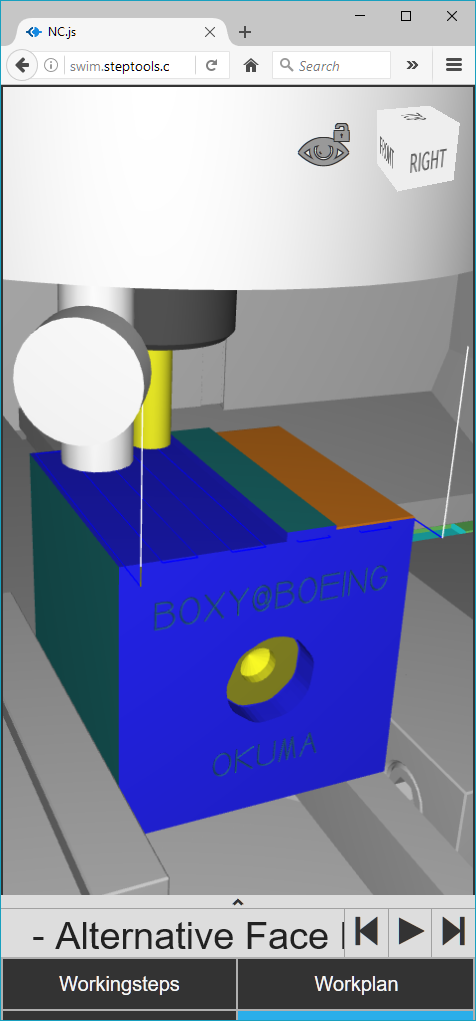
Contact us to arrange a Digital Twin Server demonstration with live machining.
When not running a live as-machined demo, the servers below will often be running simulations of as-planned processes that you can explore.
Digital Thread Server
Past Demonstrations
Since 2000, a continuous series of technology demonstrations have driven implementation of the digital thread concept and verified the STEP-NC and related standards used by it.
- 2020: Demonstration Of Three Digital Twin Use Cases
- 2018: IMTS Grand Challenge, Machining and Measurement
- 2017: Digital Thread and Measurement at DMDII
- 2016: Digital Thread and Digital Twin at Future of Flight
- 2014: CAM Data Exchange with STEP-NC on the Digital Thread at IMTS 2014
- 2012 - KTH, Stockholm: Machining Accuracy Prediction
- 2010 - Renton, WA: Setup Compensation
- 2010 - NIST, Gaithersburg: Networked Machining and Simulation
- 2009 - Bath, UK: Many Sites, Multiple Setups
- 2009 - Renton, WA: Mold Machining at Multiple Sites with the Same Part
- 2008 - Hartford, CT: Closed-Loop Impeller Machining, Feed Optimization, and Measurement
- 2008 - Sweden: Feed Optimization, HSM, Closed-Loop and Traceability
- 2007 - Ibusuki, Japan: Machining and Measurement
- 2006 - Toulouse, France: International Aerospace Machining Testing
- 2005 - EASTEC: Closed-Loop Machining
- 2005 - Orlando FL: Five Axis Testing Forum
- 2003 - JPL: Multi-axis milling
- 2002 - Troy NY: STEP-NC milling
- 2000 - Watervliet NY: First in USA
 STEP
STEP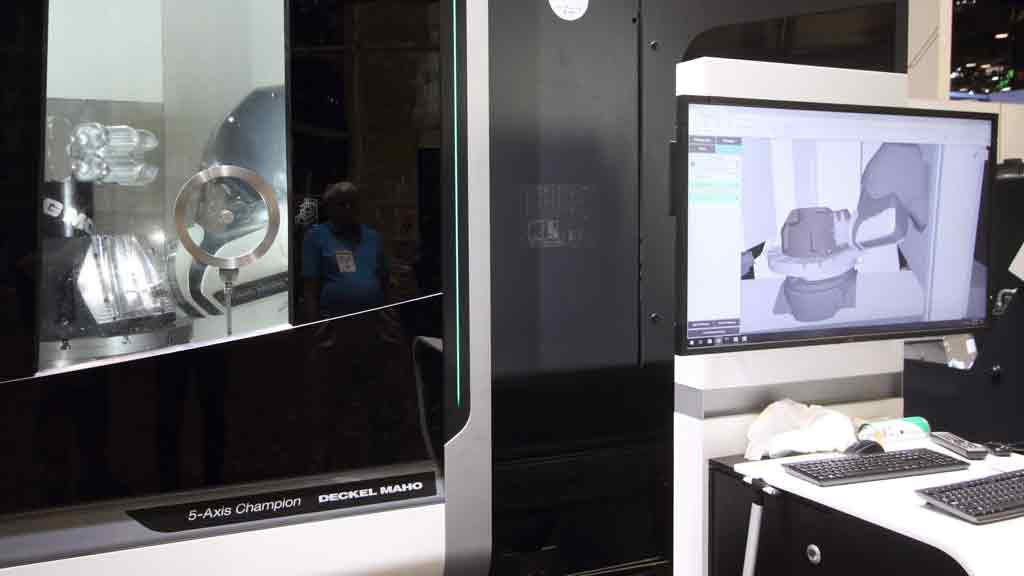 STEP-NC
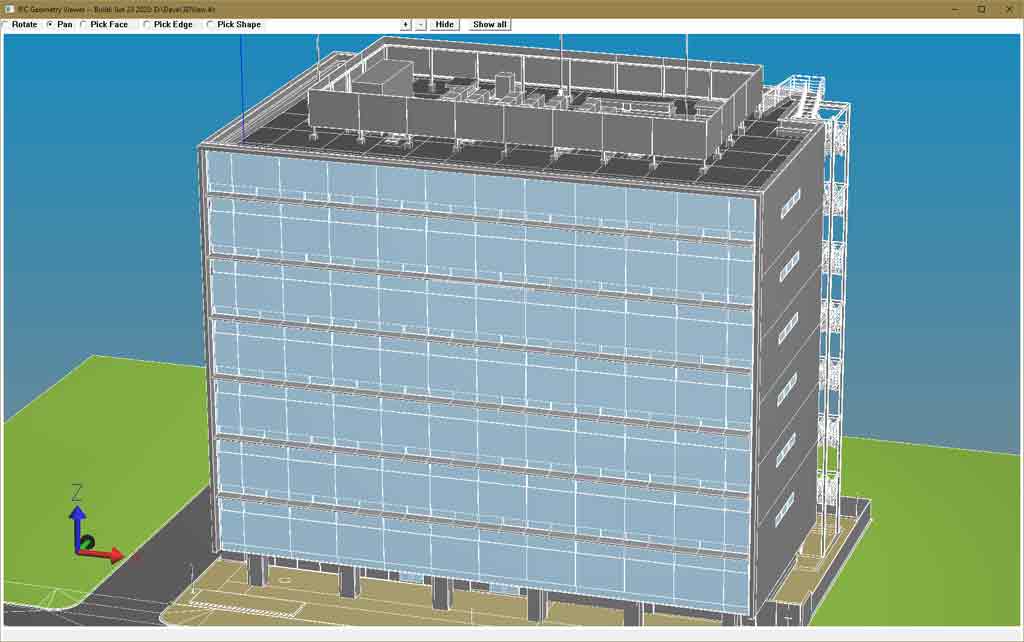 IFC
IFCAP242 Tolerances and PMI
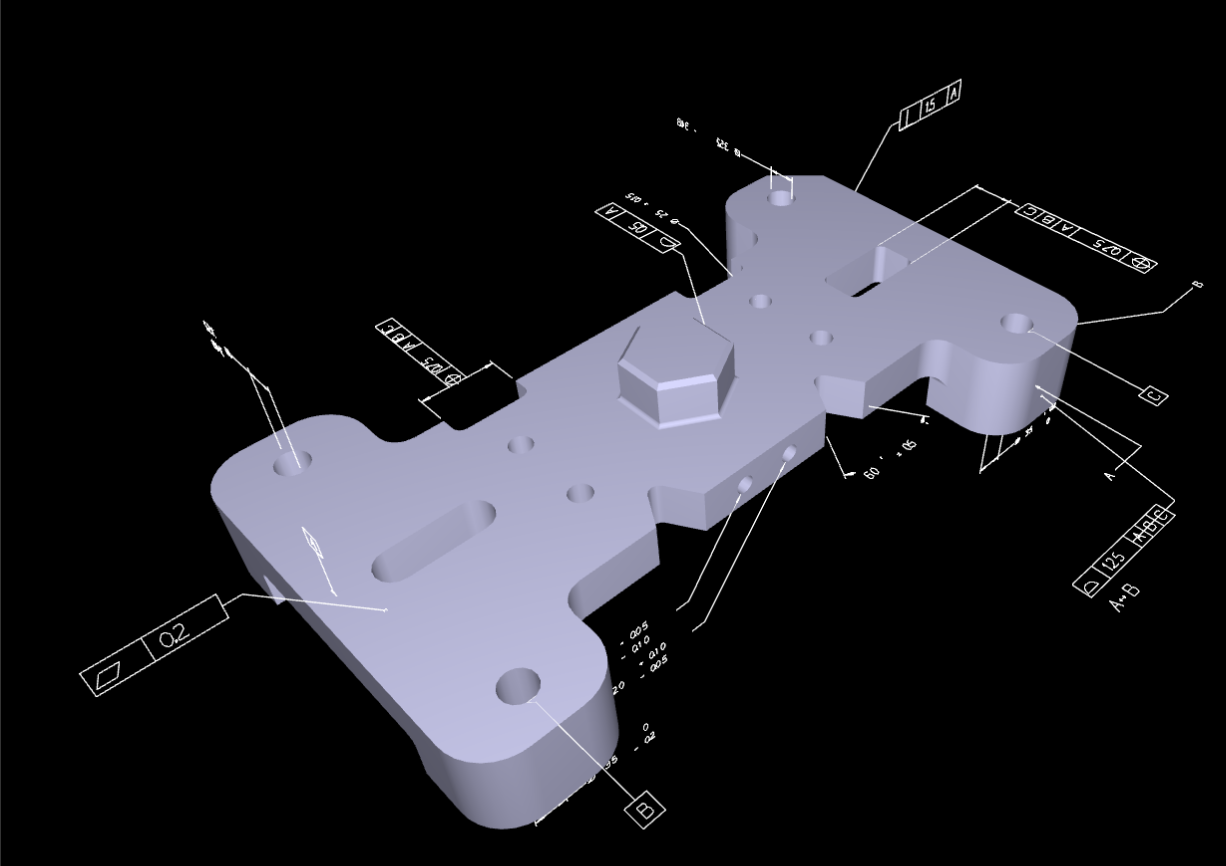
AP242 Geometry Viewing
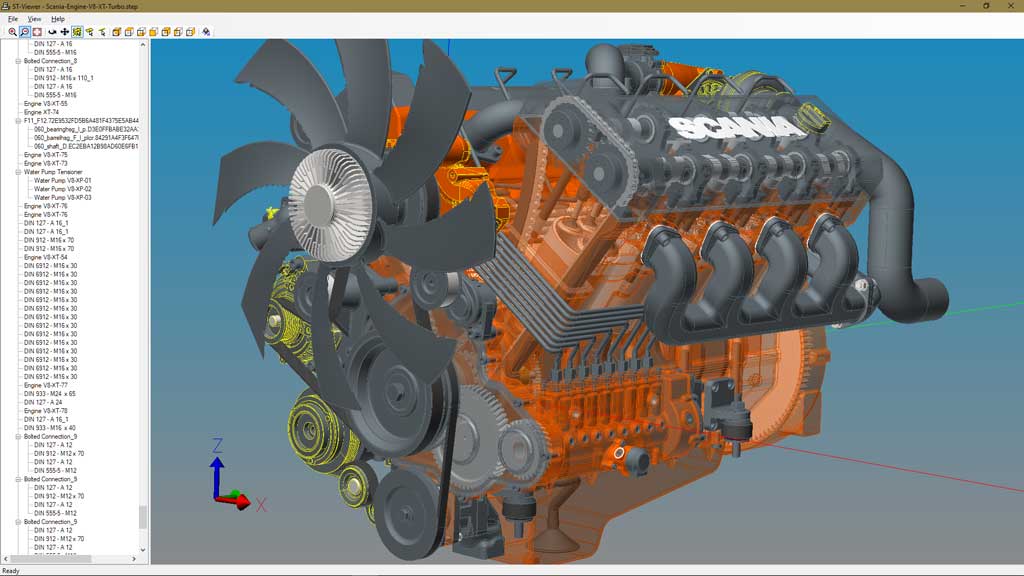
These examples show the latest digital inspection server, with 3D geometry viewing on almost any device capable of browsing the web- including desktop computers, smartphones, tablets, and even some modern HMI consoles.
Older WebGL Demos
These examples show early WebGL viewing of STEP assemblies that we built around 2012 for the DARPA-sponsored National Simulation Service, that has
Look at our digital thread work for the latest capabilities. Our latest digital thread server is a dynamic server that produces smaller JSON on the fly, allows greater interaction with the STEP data, and uses modern responsive frameworks for better display on mobile.